Access rights
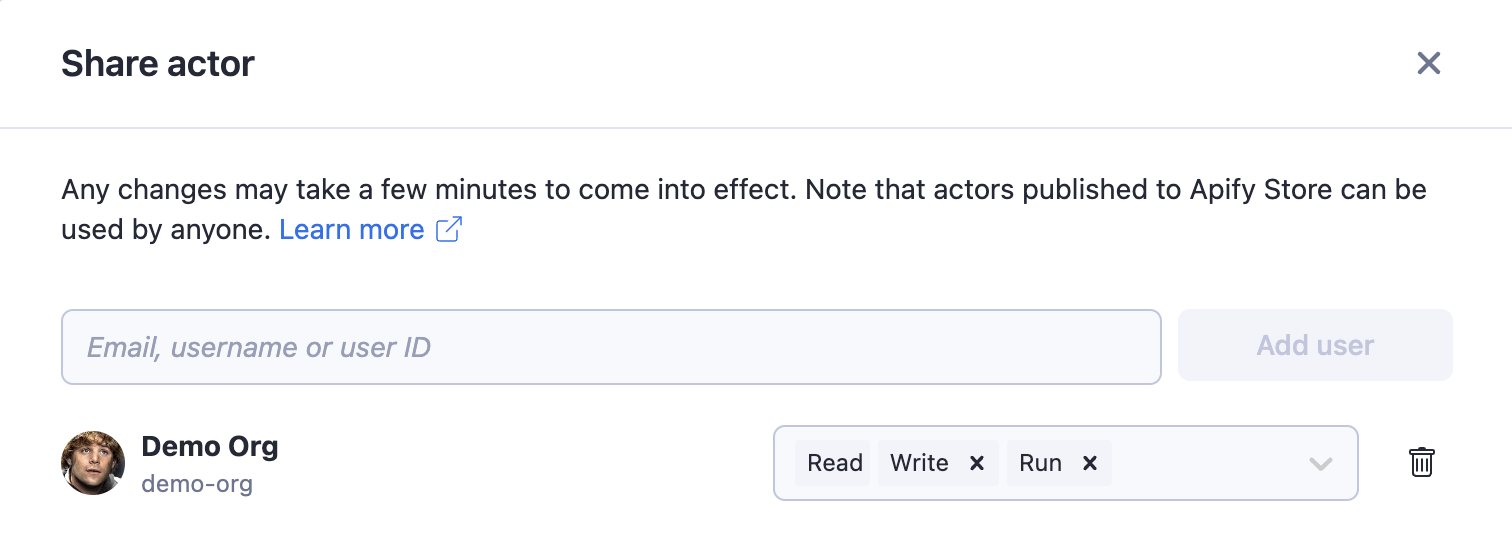
You can easily and securely share your own resources - Actors, tasks, key-value stores, datasets, and request queues - with other users by using a granular permissions system. This enables you, for example, to let your colleague run an Actor or view a dataset but not modify it.
You can also grant permission to update an Actor and build a new version. Storages (key-value stores, request queues, and datasets) are sharable in the same way as a read permission or a combination of both read and write permissions.
To share an Actor, task, key-value store, request queue, or dataset, click on the Actions button in the top-right corner and select Share. You can add a collaborator by using their user ID, email, or username. Once you have added the collaborator, you can configure their permissions.